


A patient calls your number
Keep your existing clinic number. Forward calls to Arcline at the times you want reception cover.

Arcline handles repetitive patient calls, books appointments straight into your PMS, and gives your reception team more time for the people in front of them.
Book a call to see if Arcline is right for your business — your first step to getting set up.



Trusted by health clinics Australia-wide


See Arcline in action
From a patient’s first call to an appointment in your diary, Arcline handles bookings, reschedules and cancellations in the practice software your team already uses.
See how your custom-built receptionist works, what your team can see in the dashboard, and how Arcline brings a person into the conversation when they’re needed.
Try Arcline
Pick up the phone and speak with our AI. Ask a question and hear how Arcline responds in a real conversation.
“What are your opening hours?”
“How do I book an appointment?”
“Where is the clinic located?”
Watch the conversation, calendar update and call log.
Built for the way clinics actually work
Gap fees, parking, what to bring, referral requirements - Arcline is trained on your specific practice so patients always get the right answer.
We use the highest-quality voice AI available, and you can even upload your own voice. Natural and patient with every caller.
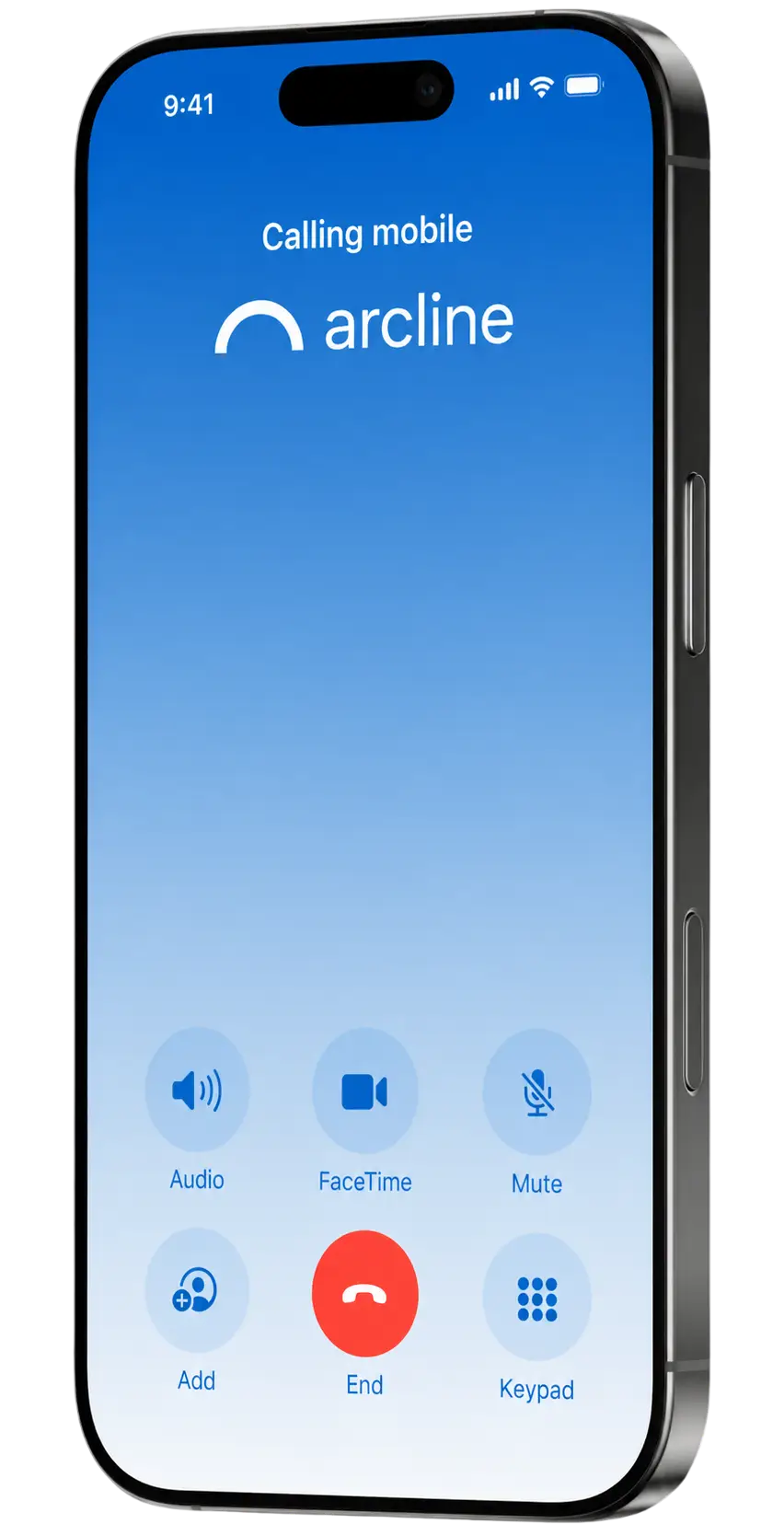
No syncing, no manual entry. Arcline reads your live calendar and locks in the appointment on the spot, just like a receptionist with system access.
If a call needs a human, Arcline transfers it across or takes a detailed message and flags it for your team. Nothing slips through.
From the first ring
Add AI reception without asking patients to learn a new way to contact your clinic.
Keep your existing clinic number. Forward calls to Arcline at the times you want reception cover.
The caller can ask for an appointment, change a booking or get routine clinic information.
Live availability, approved answers and handover instructions determine what happens next.
The call outcome and written transcript help reception review requests and follow up when needed.
AI appointment booking
Patients do not always call when reception has a free moment. Arcline checks live availability and helps them book a supported appointment in your connected practice calendar.
Initial consultations and returning visits can need different durations, practitioners or locations. Your clinic sets the instructions; Arcline follows the configured workflow instead of treating every appointment the same.
Alex Morgan · Tuesday, 10:30am
Initial consultation · 45 minutes
After-hours and overflow calls
A patient finishing work, a parent organising a visit or someone needing to move an appointment may call outside your staffed hours. Give them a useful next step without waiting for the morning.
Use Arcline for evenings and weekends, when the lines are busy, or for broader coverage. Agree the operating hours, forwarding arrangements and fallback process with our team.
Practice software integrations
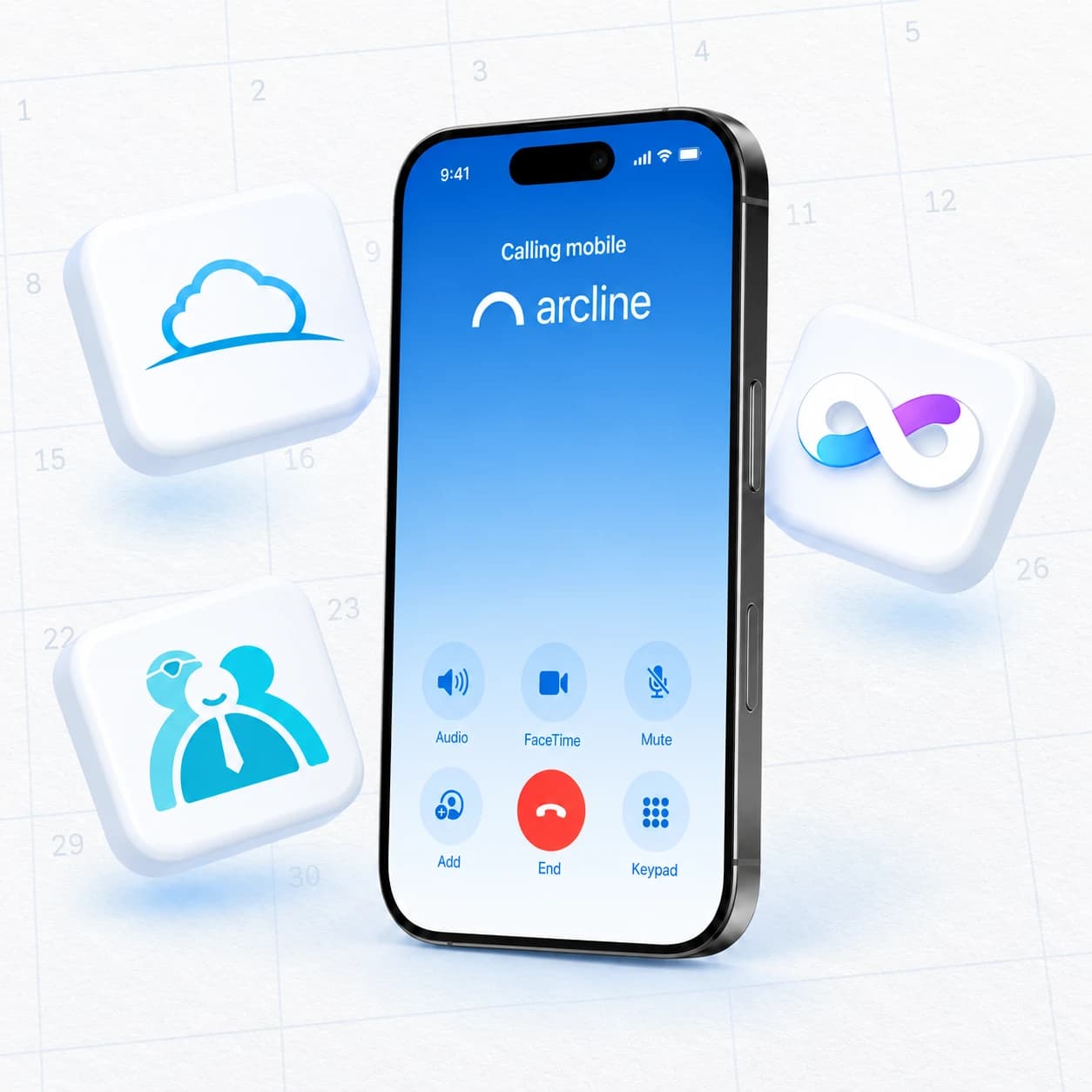
Your diary stays where your team already works. Arcline connects patient phone requests to supported appointment workflows in PracSuite, Cliniko and Nookal.

Connect initial assessments, follow-ups and supported appointment changes to your PracSuite diary.

Give patients a phone booking option alongside your existing Cliniko calendar and online booking workflow.

Work around your Nookal practitioners, locations and appointment types, with the booking rules agreed at setup.
Supported workflows and exceptions are confirmed for your clinic before launch.
A few everyday conversations
See how a booking, an appointment change and a routine enquiry can follow different paths. These examples are illustrative; your clinic approves its own information and rules.
I haven't been to your clinic before. Can I book an appointment this week?
ArclineI can help with that. Let me check the available initial appointment times for you.
The Arcline dashboard
Keep your practice software open. Arcline's narrow browser window sits on the left of your desktop, taking about 20% of the screen and leaving the rest for your PMS. Call logs, transcripts and follow-ups stay within reach while reception works.

Call history and follow-ups.
Requested a call from reception.
Appointment bookSee every call Arcline handled, who called and whether they booked, rescheduled, cancelled or asked a question.
Read the conversation after the call ends, so reception can pick up the details without asking the patient to start again.
Open a linked patient profile in your connected PracSuite, Cliniko or Nookal system from the call record.
Reception is notified when a request needs a person, with the reason and transcript ready for the follow-up.
Track calls per day, booking and rescheduling percentages, cancellations, after-hours activity and more in your clinic's call analytics.
The full feature picture
From the first ring to the follow-up. Explore the everyday details that help patients get booked and keep reception running smoothly.
Give patients a helpful answer, even when reception is busy or the clinic is closed.
Use natural, patient voice AI, with the option to upload your own voice for Arcline’s calls.
Help patients book or leave a useful message outside your clinic’s opening hours.
Let Arcline answer when your team is on another call, helping a patient or taking a lunch break.
Keep the phone number patients already know. Configure forwarding and coverage around your clinic.
Answer questions about hours, fees, parking, directions and appointment preparation using your approved information.
Share your clinic’s referral requirements and approved funding information, with exceptions passed to reception.
Set the information Arcline can share, the cancellation rules it follows and when a person needs to step in.
Turn the conversation into the right appointment in your practice calendar.
Check available times and book supported appointments directly into PracSuite, Cliniko or Nookal.
Follow the right booking pathway for a first visit or a returning patient’s next appointment.
Handle supported appointment changes in your PMS, following your clinic’s policies.
Use the correct visit type and appointment length for initial consultations, follow-ups and your other services.
Work with practitioner preferences, service rules and clinic locations so bookings go into the right diary.
Follow clinic-approved pathways for DVA, workers’ compensation, motor vehicle accident (MVA) and chronic disease management appointments. Capture details for reception’s review.
Configure workflows for services such as dry needling and group bookings, including practitioner matching and specialist allocation.
See what happened and give your team the context to take the next step.
Keep logs, transcripts and follow-ups in a narrow browser window alongside the practice software reception already uses.
See who called, when they called and the outcome, from a completed booking to a request needing follow-up.
Read the conversation after the call ends, with the patient’s request and Arcline’s responses in one place.
Open the caller’s linked patient file in PracSuite, Cliniko or Nookal from the call record.
Alert reception when a patient needs a person, with the reason, caller details and transcript ready for follow-up.
Transfer to your agreed destination, or capture a detailed message when your team is unavailable.
Keep outstanding requests visible and mark them complete once reception has taken care of the next step.
Understand why patients call, what gets booked and how much work Arcline takes off your team.
See the mix of bookings, reschedules, cancellations, questions and handovers as new call activity reaches the dashboard.
Track how many calls Arcline handles and how many appointments it books for your clinic.
See how many patients call and book outside opening hours, alongside the estimated value of those bookings.
Review the estimated additional booking value generated by Arcline, clearly separated from actual collected revenue.
See the estimated time Arcline gives back to your team by handling patient calls and routine booking work.
Review busy call periods, average call length and outcome trends. Choose a reporting period to see changes over time.
Compare estimated extra booking revenue with Arcline’s invoice cost when the relevant invoice data is available.
Workflows are configured for your clinic and connected PMS. Revenue, time saved and ROI figures are estimates; booking value does not mean collected revenue.
Also rolling out
Help patients confirm an upcoming visit or arrange their next one. Availability and workflow scope are confirmed with your clinic.
Your people stay in the loop
A clinical question, a sensitive conversation or a request outside the agreed scope needs the right person. Your clinic decides when to transfer and what a useful handover should include.
Arcline is not a clinician or emergency service. It does not provide medical advice, diagnosis or clinical triage.
A clear human handover
The request, the conversation and the next step your team needs to take.
AI reception for your speciality
The right reception workflow starts with your services and patients. Explore how AI phone answering can support your speciality, then tailor the details with our team.
Initial assessments, follow-ups and a busy treatment diary.
Explore physiotherapyNew patient consultations and repeat appointment requests.
Explore chiropracticThe right visit type, practitioner and appointment duration.
Explore osteopathyRoutine bookings, preparation questions and clinic information.
Explore podiatryClear administrative support, with sensitive requests handed over.
Explore psychologyEnquiries from families, appointment changes and approved next steps.
Explore speech pathologyAssessments and returning visits that follow your booking rules.
Explore exercise physiologyShared reception across services, locations and practitioners.
Explore allied healthCustomer story · Midland Physiotherapy
With around 25 practitioners, Midland's team needed to support patients at the counter while keeping up with the phone. Here is what Arcline handled across its 246-day reporting period.
Estimated reception capacity at $38/hour, not verified cash savings. Reporting period: 10 January–12 September 2026.
“It has taken such a huge load off their shoulders.”Sarah Mac Alasdair · Senior Physiotherapist and OwnerRead the Midland Physio case study
Outbound calling · rolling out
We are rolling out outbound workflows for appointment reminders and appropriate patient follow-up.
Reminder calls can help confirm attendance and flag appointment changes for your team.
Reach patients who are due for a clinic-approved review or follow-up, with your team's consent and contact rules.
Outbound availability and workflows are confirmed with your clinic during rollout.
A considered setup. A real-world trial.
Our Australian team works through the details with you, from the first appointment type to the calls that should always reach a person.
Talk through your PracSuite, Cliniko or Nookal setup, locations and the phone coverage you need.
Define visit types, practitioner rules, clinic information, transfer destinations and fallback steps.
Work through example calls with our team. Check appointment changes, answers and handovers together.
Try the agreed workflows on real patient calls, with no card required and agreed trial limits.
Book a call to see if Arcline is right for your business — your first step to getting set up.
14-day free trial · No card required · Agreed trial limits
Common questions
Booking rules, phone coverage, human handovers and pricing. Here are the practical things clinics ask about AI reception.
Arcline handles supported appointment bookings, reschedules, cancellations and routine clinic questions by phone. It can cover after-hours and overflow calls, record call outcomes and written transcripts, and transfer or capture messages for requests that need your team. The exact scope is agreed with your clinic during setup.
Arcline is designed to support reception, not remove the need for people. Routine phone requests can be handled while your staff help patients at the counter or work on more complex tasks. Your clinic keeps control of the booking rules, approved information and requests that require a human response.
Yes. Arcline integrates with PracSuite, Cliniko and Nookal to check live appointment availability and write supported booking changes into the connected practice system. Our team confirms the supported appointment types, durations, practitioners, locations and exceptions before launch. You keep working in your existing practice calendar.
Yes. You can choose after-hours coverage, overflow cover when reception is busy, or broader call coverage. Keep your existing clinic phone number and use agreed forwarding arrangements. Our team helps configure operating hours, transfer destinations and fallback steps, then tests the arrangement with you before going live.
Supported rescheduling and cancellation workflows can be handled by phone using your approved policies. Arcline checks the relevant booking rules and writes supported changes into the practice calendar. Requests outside the configured workflow, policy exceptions and fee disputes can be transferred or captured for your reception team to review.
Your clinic defines the handover pathway. Arcline can transfer a call to an agreed destination or capture a detailed message when a transfer is unavailable. It is an administrative reception tool, not a clinician or emergency service. It does not provide diagnosis, treatment recommendations, clinical triage or emergency support.
Arcline supports administrative phone workflows for physiotherapy, chiropractic, osteopathy, podiatry, psychology, speech pathology, exercise physiology and allied health clinics. Each clinic has different appointment types and handover requirements. We agree the supported scope around your services, practitioners and practice software rather than applying one generic call script.
Your team can review call outcomes, written transcripts and follow-up context in the Arcline dashboard. Supported appointment changes are reflected in the connected practice calendar. This helps reception understand what the patient requested and what happened next, while keeping exceptions and requests needing a human response visible to the team.
Outbound calling workflows are rolling out, including appointment reminders and clinic-approved recall or regular check-up calls. Ask our team which workflows are available for your clinic. Timing, patient consent, approved messages and handover steps are agreed before launch; not every outbound workflow is live for every clinic.
The free trial lasts 14 days. No card is required, and trial limits are agreed with your clinic. Use the trial to review the configured call coverage, supported booking workflows and handovers with our team before deciding whether Arcline is right for your reception requirements.
Arcline is competitively priced, with a custom quote for your clinic. We discuss your practice software, locations, phone coverage, workflows and reception requirements before recommending a setup. Book a call to talk through the scope, setup and pricing with our Australian team.
Patient information handling should be reviewed as part of your clinic's setup. Discuss access, call recording and transcript settings, retention arrangements and the services involved with the Arcline team. Read our privacy policy and subprocessor information, and confirm your clinic's requirements before enabling patient call workflows.
Built for real clinics
Generic tools break down when faced with practitioner rules, claim pathways, and service-specific booking logic. Arcline is trained around exactly those workflows.
Your clinic. Your call flows.
Talk through your phone coverage, practice software and a competitive custom quote. Start with a 14-day free trial configured around your clinic.
Book a call to see if Arcline is right for your business — your first step to getting set up.
Built in Perth · Australian team · No card required